My Main AI PM Concern is Maintaining Prompts, not Writing Them
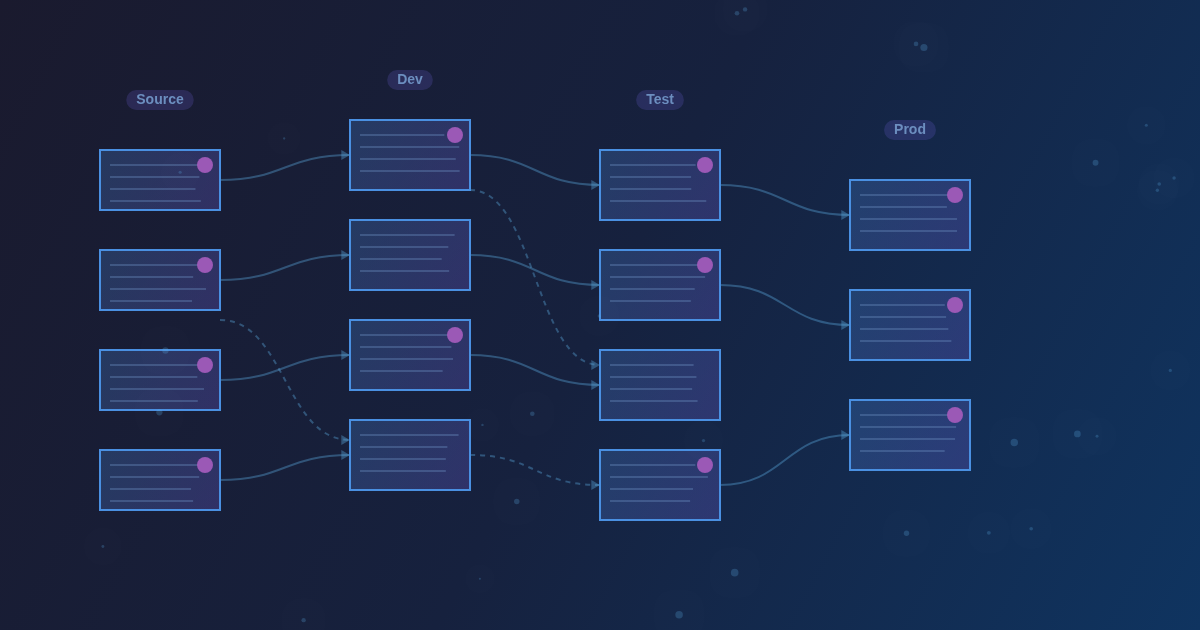
When my team started working on the AI feature, I was mostly concerned with writing clear, precise prompts. As shown, maintaining them throughout the development and operational lifecycle becomes a larger, unanticipated problem.
You will learn which issues with updating prompts you might encounter when you push your AI agent from MVP to Production. Below, I am sharing my findings on the operational side of the prompt management.
The inevitable growth trajectory
Usually, you start with a single, relatively short Markdown file put under Git. Then it reaches 300 lines, and life becomes less vibrant. After that, there is a "Divide and Conquer" stage of prompt decomposition, followed by rapid growth through new workflows. At the end, you might end up with a dozen prompts with 100-300 lines each, and a shrinking understanding of what went wrong if something went wrong.
On the other side of the picture, several people are working on prompts simultaneously. We need to avoid overrides and follow the same strategy to achieve some level of consistency and control. That requires an entirely new process and tools you need to identify, establish, and make everyone follow them.
Welcome to the third and (probably) final act of PM struggles with building AI features.
From code artifact to runtime nightmare
Prompts are a development artifact first and foremost. So it must be versioned alongside other code and kept under version control. No doubt it.
But if we treat prompt as code, that means recompiling/redeploying an app every time you update a sentence. If you proceed with multiple consecutive changes, testing becomes challenging and time-consuming. Using a local dev environment as a workaround. But I doubt that is a scalable option that suits everywhere.
Design-time means prompts are treated as source code with its versioning, with changes applied after merge/build/deploy. Run-time means prompts are treated as configuration, without versioning, and can be updated while the application is running.
So very soon after we started, it became clear that prompts needed to be configurable at run time. After tweaking Spring AI, we exposed API endpoints to get and update prompts. So now we can make an API call to update the prompt without restarting.
That solution caused a bunch of new problems to be resolved:
Problem 1: The editing experience breaks down
When working with APIs, you can use Swagger UI, Postman, or competitors (I personally recommend Bruno). Despite the client, the formatting is an issue: the API returns a JSON object where Markdown text is stored as a string attribute. That is not very convenient to edit.
If you work with prompts as code, you most likely use VS Code or another editor with fine Markdown formatting. To keep the editing experience reasonable, we developed a local VS Code plugin that, with a command, uploads prompts via the API to the required environment.
So now we are comfortable working with prompts in the familiar environment. However, that even intensifies the problem
Problem 2: Living in two paradigms simultaneously
Managing prompts and uploading them to any environment for testing sounds great, except for one tiny detail. In reality, it is a great trade-off: now prompts exist in 2 paradigms, both in design and runtimes.
That could create many conflicts. For example:
Case A: I deployed prompt changes as code to a testing environment. Then, someone updated that prompt via API.
And I don't know about those changes, and there's no additional mechanism to notify about them. I can manually retrieve those prompts via the API for that environment and compare them with the version I recently deployed. That is not something you will do all the time.
So you can get unexpected results when running the AI evals (I recommend reading my previous article) without knowing the prompt isn't the one you expected.
Case B: While redeploying the application, you refresh the runtime.
When deploying new changes to prompts-as-code, you also override your non-default runtime configuration with the uploaded prompts. So it is easy to accidentally erase someone's work.
Case C: Uncontrollable spreading across environments
Since you can upload any prompt update to any environment with a running application, you can accidentally upload it to a non-target environment. Then you will be surprised to find out why evals are failing in pre-prod but work well in dev testing.
Resolving such conflicts is annoying and time-consuming. We could try to fix that with some advanced enhancements or 3rd-party tools. But on our small scale, that seemed like overhead. We had such issues along the way. We resolved them by agreeing on a process and closer collaboration. That was cheaper than adding and maintaining new functionality for that.
When prompts multiply, analysis becomes impossible
When the number of workflows and their complexity increase, it becomes easy to lose track of which prompt changes are efficient and which are not.
There are the typical problems:
- High token consumption due to the number and size
- Updates are not working as expected (e.g., not consistently providing correct responses to users )
- Updates are working, but they affect other aspects of a workflow.
First and foremost, you must have AI evals. I dedicated an entire article to that, so check it out if you missed it. Without those, it is impossible to scale and maintain any kind of quality.
Then you need to associate a prompt change with the eval's outcome. It is exhausting to visually compare every test, checking whether there is a regression or improvement in a certain aspect. Thus, it is an obvious case for automation.
The LLM optimization dream vs. reality
At a certain point, I, as a human, ran out of ideas for how to improve/rewrite the prompts to address issues that keep appearing during development. You see your prompt, precise, with advanced techniques, which seems perfect. But it does not behave consistently, even though the prompts explicitly asked about it.
The problem is hidden in the burden of multiple prompts and contexts. That is a good case to employ a "smarter" LLM to optimize prompts for a sibling. For example, I use Opus to optimize Haiku prompts.
Here you can build a dream pipeline:
- You collect logs, evals results, prompts, and define a problem.
- You put everything into a smarter LLM and ask it to optimize the prompts.
- Optimized prompts are deployed to a test environment.
- AI evals are run on those prompts.
- New evals results, prompts, and logs, and compared vs previous ones
- If a regression is found, repeat the cycle.
It sounds great on paper to delegate all that to LLM. But in reality, just after a few iterations, it will be trapped in a vicious sub-optimization cycle. There must be a human (that mythical AI PM or another lucky person) in the middle to guide that process.
Remember, even a super-optimized prompt may fail once real users start using the agent.
Build vs. buy: Why we vibecoded our own tools
Managing prompts reveals many previously unseen issues. But those issues are resolvable when there is the right tooling and the process.
During the gold rush, there should also be a lot of shovels. There are many prompt management and testing tools on the market. But anyway, we decided to build our own internal tooling.
It sounds like reinventing the wheel, but here are the reasons why we hadn't considered a tool from the market:
- Such market research and trials take a huge amount of time
- We already learned the hard way that AI tools and frameworks could be pretty raw
- No trust in a bunch of unknown vendors
- Even if found, there is a long compliance and adoption cycle in an enterprise
- We can simply vibecode what we need
Anyway, it took several iterations to understand exactly what we needed, and with a few more cycles, we vibecoded our own internal admin panel to manage prompts and handle other servicing tasks. Our testing framework is not integrated, and that might be a difference that a vendor solution could address.
The real lesson: Process over perfection
In reality, I don't think we need it. It works just well enough to make remarks like, 'We could improve it someday,' and put it on a shelf.
We can vibe code it any time.
Get new essays by email
One or two a month. Nothing else.